


the blog
welcome to
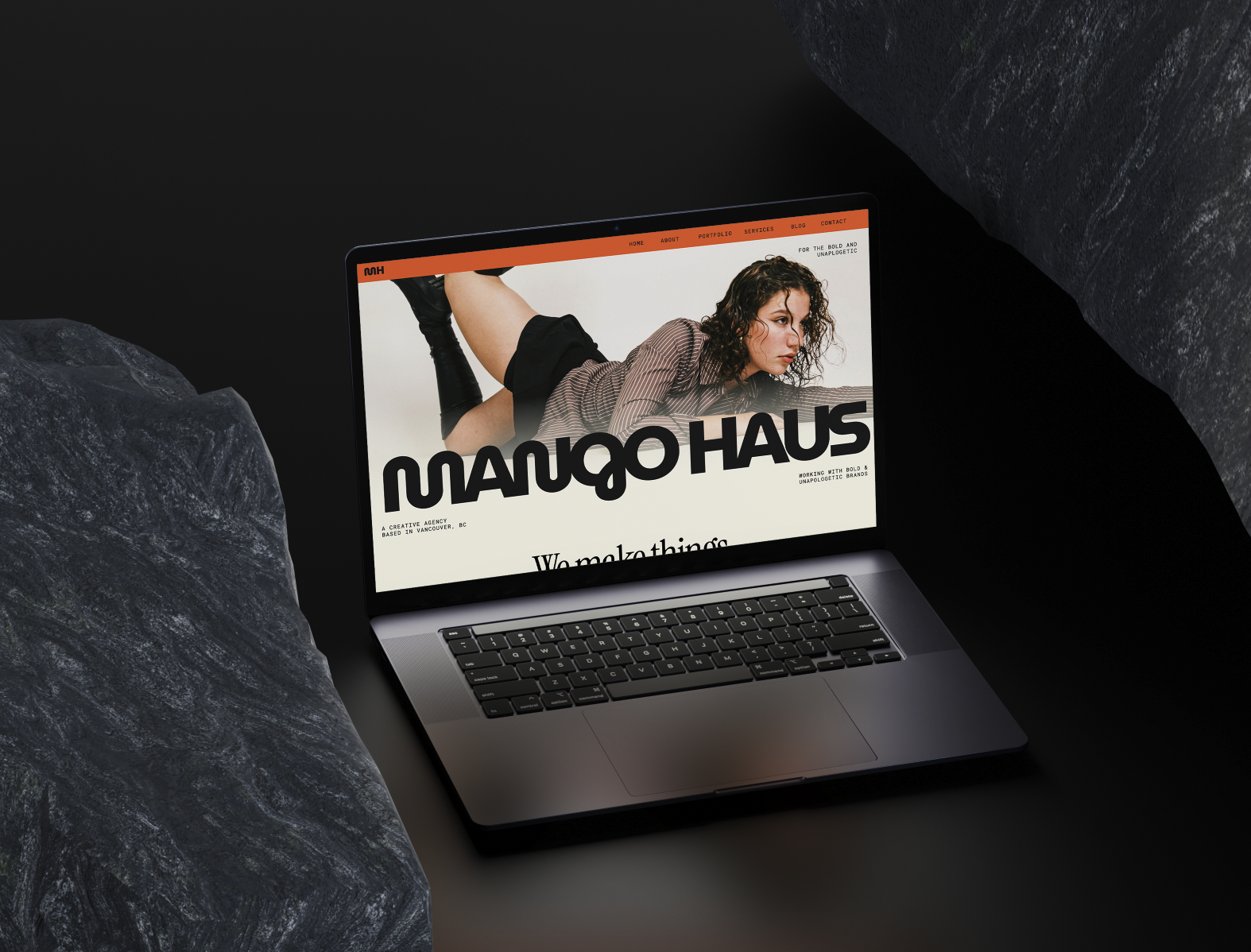
Let’s be honest — people love to say Showit websites are boring. But that’s only true if you don’t know how to use the tools already built into the platform. In this tutorial, I’m walking you through five simple, no-code animations and effects you can use to instantly make your Showit website more engaging, interactive, […]
Go to:
Showit tutorials
seo tips
squarespace tutorials
business & marketing
Read the post →

If you’re new to Showit — or you’ve purchased a template and aren’t sure where to start — this walkthrough will show you exactly how to customize your website without touching code. This guide covers how to navigate the Showit dashboard, edit pages and canvases, customize fonts and colors, work with images and buttons, and […]
Read the post →

In this tutorial, you’ll learn several eye-catching animations and interactive effects you can add to your Showit website — whether it’s for your own brand or a client project. Some of these effects use Showit’s built-in tools, while others use simple copy-and-paste code that requires no prior coding experience. All code referenced can be pasted […]
Read the post →


